
 Hold yourself accountable
FINISH WHAT YOU START The daily goal tracker with no streak freezes
Pick one goal and a number of days, then check off every todo, every day, or the run fails.
Free on the App Store · iPhone

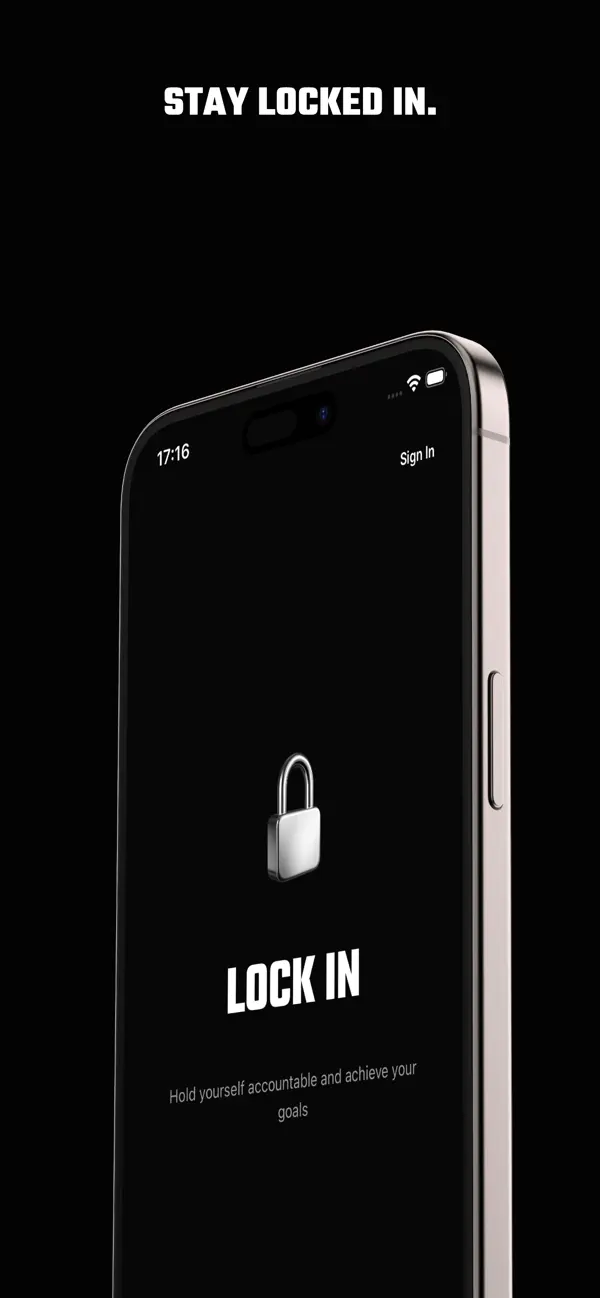
What's in the app
Ready-made challenges
Start from one of 14 challenges in five groups, from the 7-day First Seven to the 121-day Great Lock In. Edit any of them before you start.
Draft it from a sentence
Pro after first lock-inSigned in, describe your goal in a sentence and get a drafted lock-in, with a title, days and todos you can edit. Drafting is free until you create your first lock-in; after that, it’s part of Pro.
A score for every run
Each lock-in gets a completion score out of 100: 60 for progress, 25 for your longest streak and 15 for consistency.
Reminders if you want them
Turn on reminders at 9 am and 9 pm your time. The evening one only comes when today isn't banked yet.
On your Lock Screen
When you're signed in, today's progress shows as a Live Activity on the Lock Screen and, on iPhones that have it, in the Dynamic Island.
Try it without an account
Guest mode runs the whole loop on your iPhone, one lock-in at a time, with no history or reminders. Sign in with Apple or Google to sync across devices.
Speak your daily note
ProRecord your note and it's transcribed into text you can edit. The audio isn't kept.
Insights and history
ProYour success rate, current, longest and average streak, an activity calendar, your best day and best duration, and every past lock-in day by day.
How it works
- 01
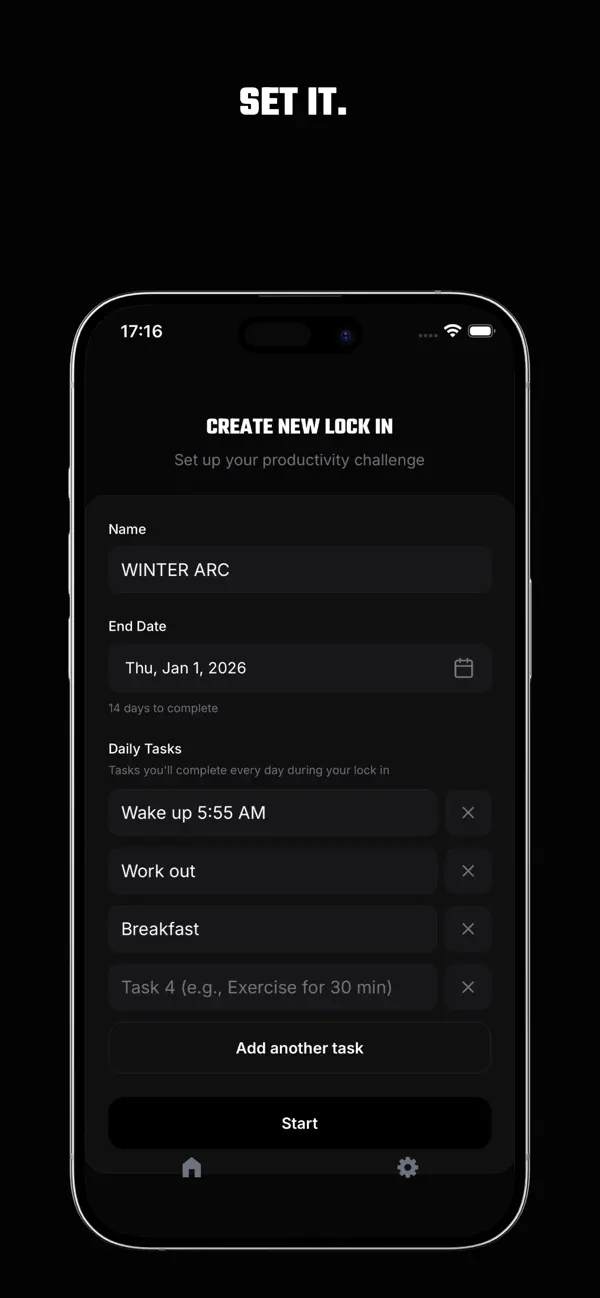
Create a lock-in
Name it, pick how many days (up to 365) and list the todos you'll do every day. Or start from a challenge or a drafted plan.
- 02
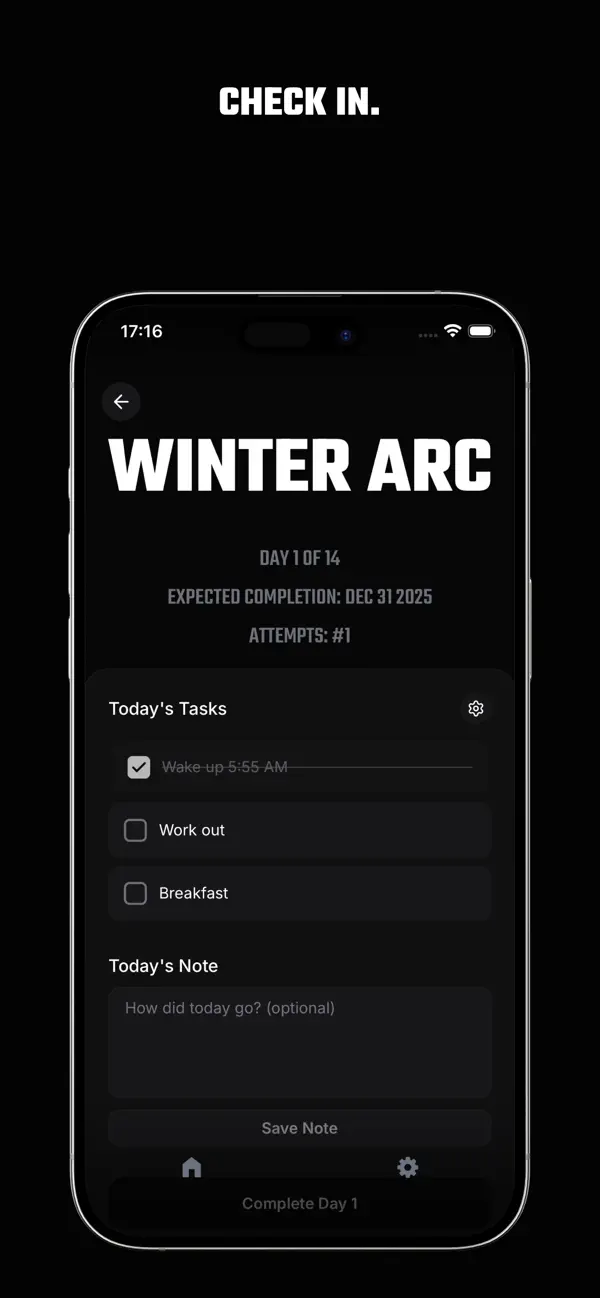
Complete today's goals
Check off every todo, add a note if you like, and bank the day before your local midnight.
- 03
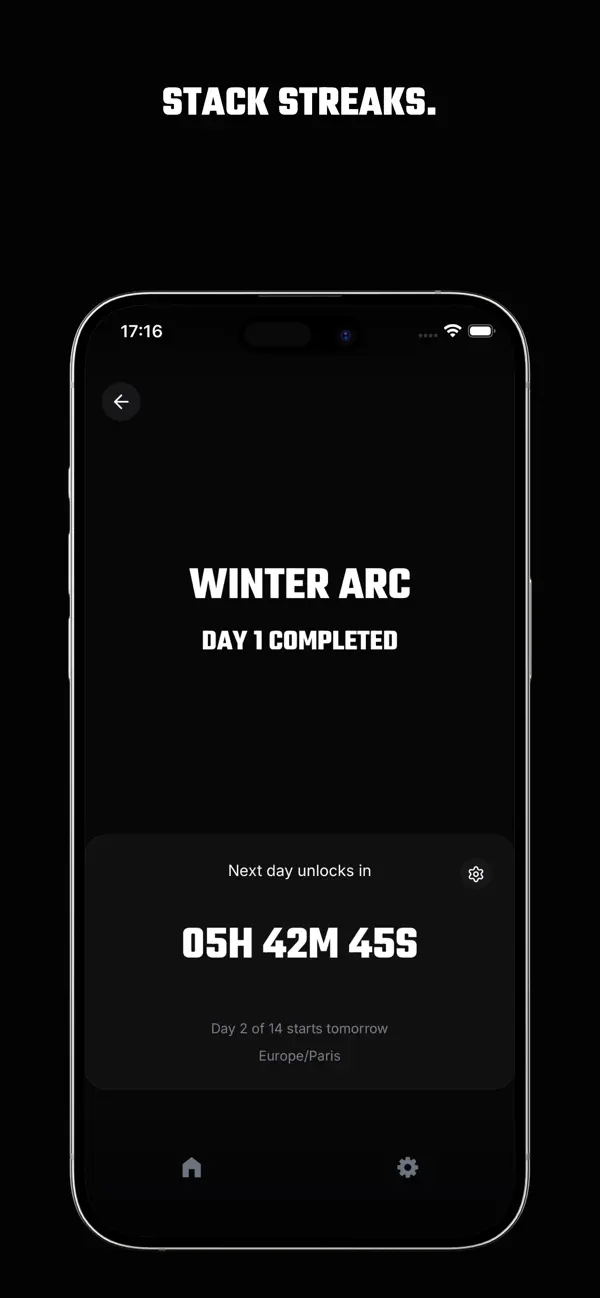
Track your progress
Watch your streak grow and count down to the next day. Every run gets a score, signed-in runs show a Live Activity, and Pro adds insights and history.
Miss one day and it's over.
Every todo, every day, or the lock-in fails. There's no grace day, no streak freeze, no repair and no catch-up, and paying for Pro doesn't buy any of them. A streak you can actually lose is the only kind worth keeping.
When a run fails, restart it from day 1 with the same todos and your attempts are counted, or abandon it and start another.
Free to start. Pro if you want more.
Free to start
Free on the App Store.
- As many lock-ins as you like, one at a time, from a blank form or one of 14 challenges
- Daily check-ins, streaks, the countdown and your completion score
- Drafting from a sentence when you’re signed in, until you create your first lock-in
- Reminders and the Live Activity when you're signed in
- Guest mode, or sign in with Apple or Google to sync
Lock In Pro
Everything in Free, plus:
- Drafting from a sentence once you’ve created a lock-in
- Speak your daily note and get editable text
- Insights: success rate, streaks, activity calendar, best day and best duration
- Your full history, day by day
- Pro Weekly
- $0.99
- per week
- Pro Monthly
- $2.99
- per month
- Pro Yearly
- $29.99
- per year
US App Store prices on . Prices vary by country, and the app shows your price before you subscribe. Cancel any time in your App Store subscriptions; Pro stays active to the end of the period you paid for.
Finish what you start, on paper or in the app
Start here
How to Lock In: Meaning, Steps and a Daily Plan
What “lock in” means and how to do it: pick one goal, set an end date and finish a short checklist every day. Includes a simple plan you can start today.
How to Be Consistent With Goals and Habits
How to be consistent when motivation fades: shrink the daily task, fix an end date, track pass or fail and decide now what happens after a miss.
How to Hold Yourself Accountable to Your Goals
How to hold yourself accountable without a partner: set the goal and end date up front, check in daily and make a missed day count.
How to Set Daily Goals You Can Finish Every Day
How to set daily goals that fit in one day: pick one bigger goal, write two to four checkable todos and start from real examples.
30-Day Challenge Ideas for Self-Improvement
30-day challenge ideas across fitness, focus, creativity and quitting, each with a daily checklist. Pick one, set 30 days and don’t miss a day.
Questions
What does “lock in” mean?
To lock in is to commit fully to one goal and stop renegotiating with yourself about it. In Lock In, a lock-in is that commitment made concrete: one goal, a set number of days and a list of todos you check off every day.
Learn more: How to Lock In: Meaning, Steps and a Daily Plan
What happens if I miss a day?
The run fails. There’s no grace day, no streak freeze, no repair and no catch-up. You can restart it from day 1 with the same todos, and your attempts are counted, or abandon it and start a new one.
Learn more: How to Be Consistent With Goals and Habits
Can I change my todos after I start?
No. Your todos are set when you create a lock-in and stay the same every day of the run, and a restart keeps them. To change them, abandon the run and create a new lock-in. Challenges can be edited before you start.
Learn more: How to Set Daily Goals You Can Finish Every Day
How long can a lock-in be?
Up to 365 days. You choose the number of days when you create it, and the 14 ready-made challenges run from the 7-day First Seven to the 121-day Great Lock In.
Learn more: 30-Day Challenge Ideas for Self-Improvement
What is The Great Lock In?
A 121-day challenge and one of the ready-made challenges in the app: every todo, every day, for 121 days from the day you start. Its App Store event started on September 1.
Learn more: The Great Lock In
Is Lock In free? What does Pro cost?
Lock In is free to download, and creating and completing lock-ins is free. Lock In Pro adds drafting once you’ve created a lock-in, spoken daily notes, insights and your full history. On the US App Store on September 23, 2026, Pro cost $0.99 a week, $2.99 a month or $29.99 a year. Prices vary by country, and the app shows your price before you subscribe.
Do I need an account?
No. Guest mode runs the whole loop on your iPhone without an account: one lock-in at a time, with no history, and clearing the app’s data or switching devices can reset it. Sign in with Apple or Google to sync across devices; guest data doesn’t carry over when you sign in.
Is Lock In on Android?
No. Lock In is an iPhone app for iOS 16.4 or later. There’s no Android app and no web app.
Ready to lock in?
Choose your days, start today, and don't miss. Lock In is listed on the App Store as Stay Locked In.
Free on the App Store · iPhone